
微软的正版验证工具WGA对Windows用户造成困扰,系统必须通过正版验证才能通过Windows Update接收到安全升级。Windows必须进行激活后才能运行验证工具,然而大部分OEM厂商出于为端用户考虑而并没有激活系统。这对于需要出售预安装了升级而没有激活自动升级系统的System Builder来说就出现问题了。
这个System Builder Bypass工具(sbbypass.exe)允许OEM厂商在新PC上下载并安装关键升级而不必激活或进行正版验证。
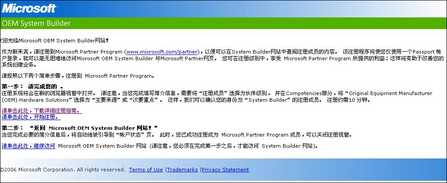
下载这个工具需要注册成为微软OEM站点的会员。
{ad}这个工具支持的系统有:
Microsoft Windows XP Professional Edition
Microsoft Windows XP Home Edition
Microsoft Windows XP Media Center Edition
Microsoft Windows XP Tablet Edition
Microsoft Windows XP Starter Edition
Microsoft Windows Server 2003, Standard Edition
Microsoft Windows Server 2003, Enterprise Edition
Microsoft Windows Server 2003, Web Edition
Microsoft Windows Server 2003, Datacenter Edition
sbbypass.exe是一个命令行提示符工具,如果需要重启,那么用户必须手动重启电脑并再次运行sbbypass.exe工具。
此外,sbbypass.exe需要先运行sysprep后才能正确的运行。更多的参数可通过
sbbypass.exe /?命令列出。


